Team GPS tracking and scheduling for field services
Always calling to find out where each technician is? Dominex shows your team on the map in real time, organizes the day's schedule, and validates check-in by the customer's address.
Real time
your team on the map while they work
Check-in/out
validated by the customer's address
Schedule
the day's route organized per technician
4.9/5
satisfaction among the companies that use it
Not knowing where your team is costs you dearly
Where the phone goes unanswered, the map shows
"Where is the technician now? Have they reached the customer?"
The live map shows where each technician is while they work. You follow the team without making calls.
The day's schedule in your head and the technician crossing town for nothing
The schedule organizes the day's jobs and helps with routing, assigning to the nearest technician. Less travel, more service.
"Did they really go to the customer?"
Check-in and check-out are validated by the customer's address, with the time recorded. You have proof of presence on the visit.
No travel history to check the route
The travel history keeps the day's key points. You check where the team went and justify the time spent in the field.
"Where is the technician now? Have they reached the customer?"
The live map shows where each technician is while they work. You follow the team without making calls.
The day's schedule in your head and the technician crossing town for nothing
The schedule organizes the day's jobs and helps with routing, assigning to the nearest technician. Less travel, more service.
"Did they really go to the customer?"
Check-in and check-out are validated by the customer's address, with the time recorded. You have proof of presence on the visit.
No travel history to check the route
The travel history keeps the day's key points. You check where the team went and justify the time spent in the field.
Your team on the map in real time
The live map shows where each technician is while the team works. You follow the field operation from one place, know who is near the next job, and stop calling to ask for a location. Visibility of the whole day is on the screen, not on the phone.
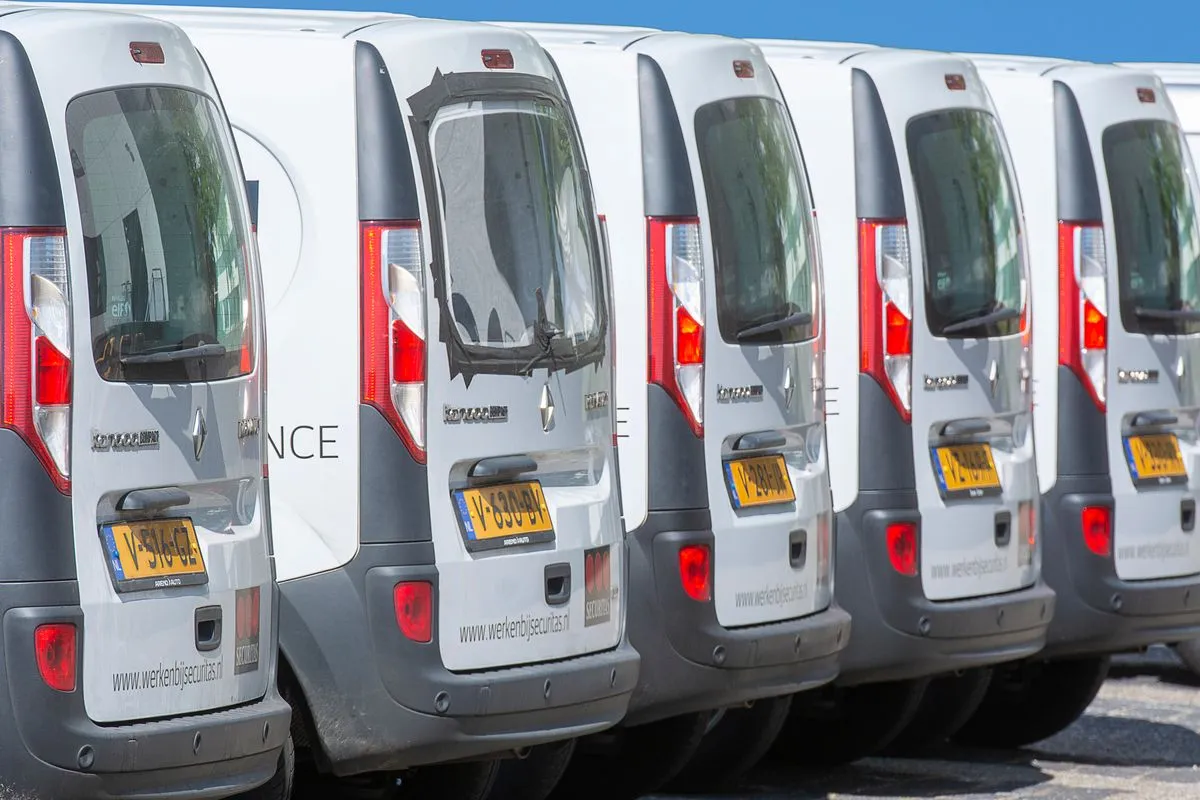
The day's schedule and routing
Build the day's schedule with each technician's jobs and organize the route to cut down on travel. Assign the job to the technician nearest the address and avoid scheduling clashes. Less time in traffic means more jobs per day and customers with a more predictable window.
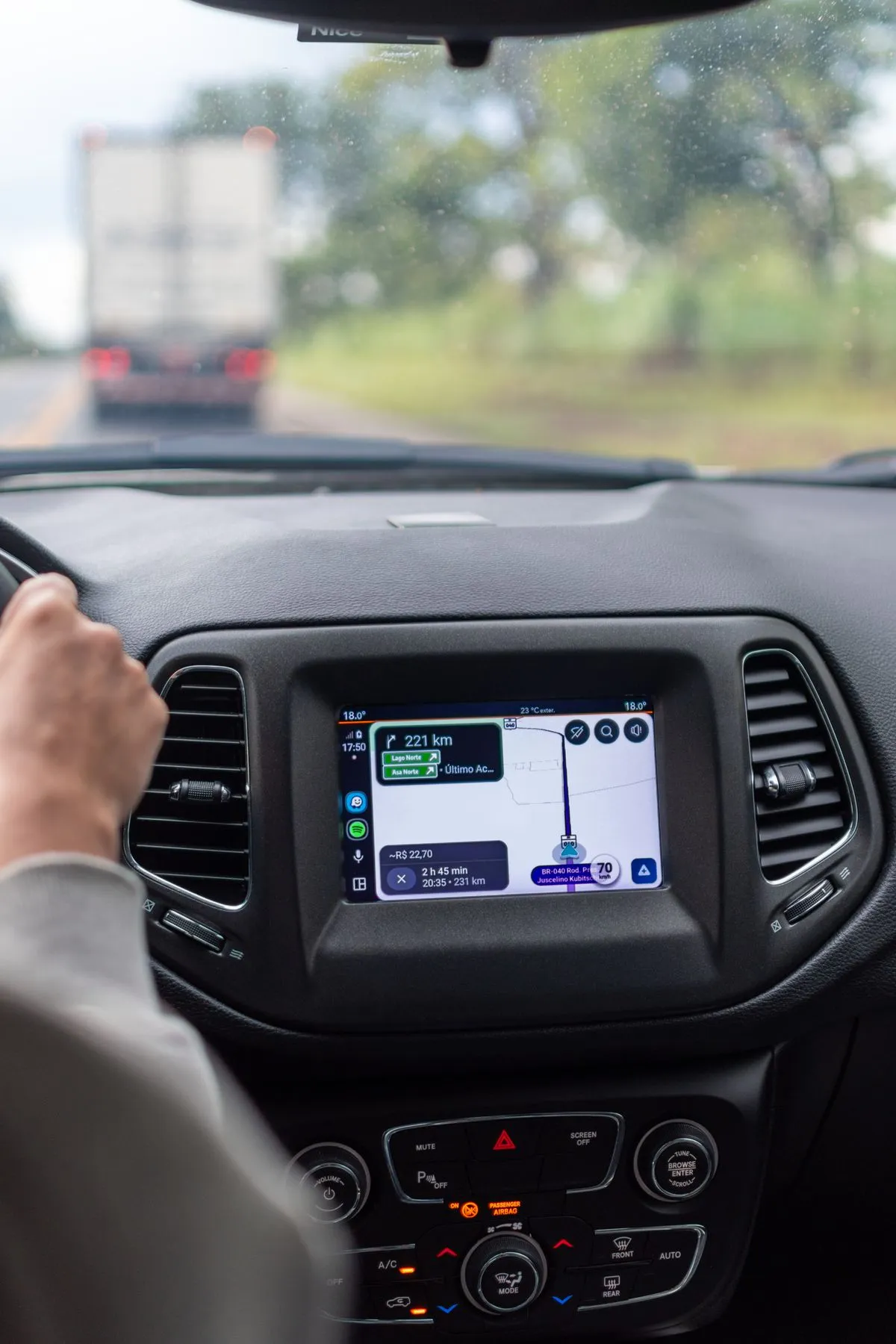
Validated check-in/out and travel history
The technician checks in and out on the visit, validated by the customer's address, with the time recorded, proving their presence on the job. The travel history keeps the key points of the route, so you check where the team went and justify the time spent in the field.
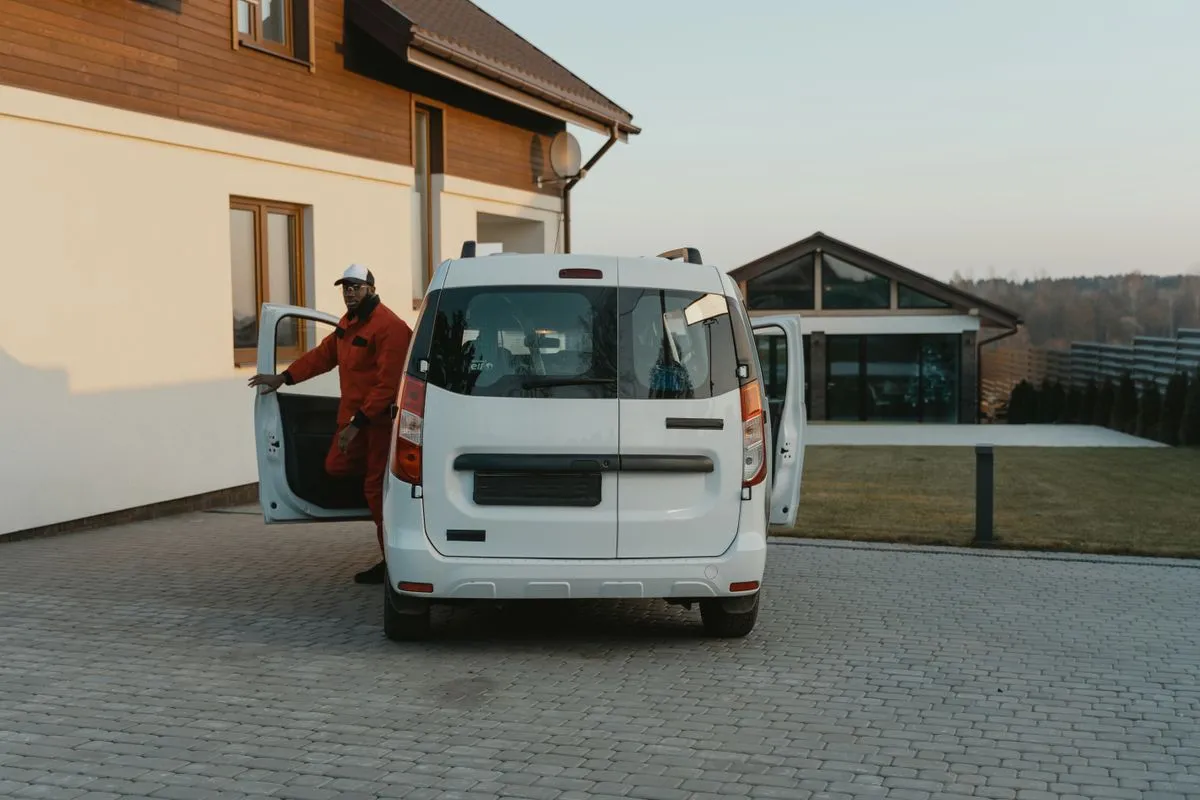
See your field operation, do not guess it
Location, scheduling, and proof of presence in one place
Live map
The team's location in real time while they work.
See your field operation, do not guess it
Location, scheduling, and proof of presence in one place
Whoever sees the team on the map stopped calling
"I kept calling to find out where each technician was. Now I see them all on the map and organize the day's route."
Rodrigo A.
Operations Manager — field services
"Check-in by the customer's address ended the doubt over whether the technician really went. I have the proof."
Fábio M.
Coordinator — building maintenance
"With scheduling and routing, the team does more jobs per day and crosses town for nothing less often."
Bruno S.
Partner — installations and services
Transparent pricing, no surprises
Plans that scale with your operation. See the full lineup and pick what fits.
Frequently asked questions
See your field team on the map
Free for 14 days, no credit card. Follow the team in real time, organize the schedule, and prove every visit.